Enhancing Productivity with the Virtual Desktop Experience
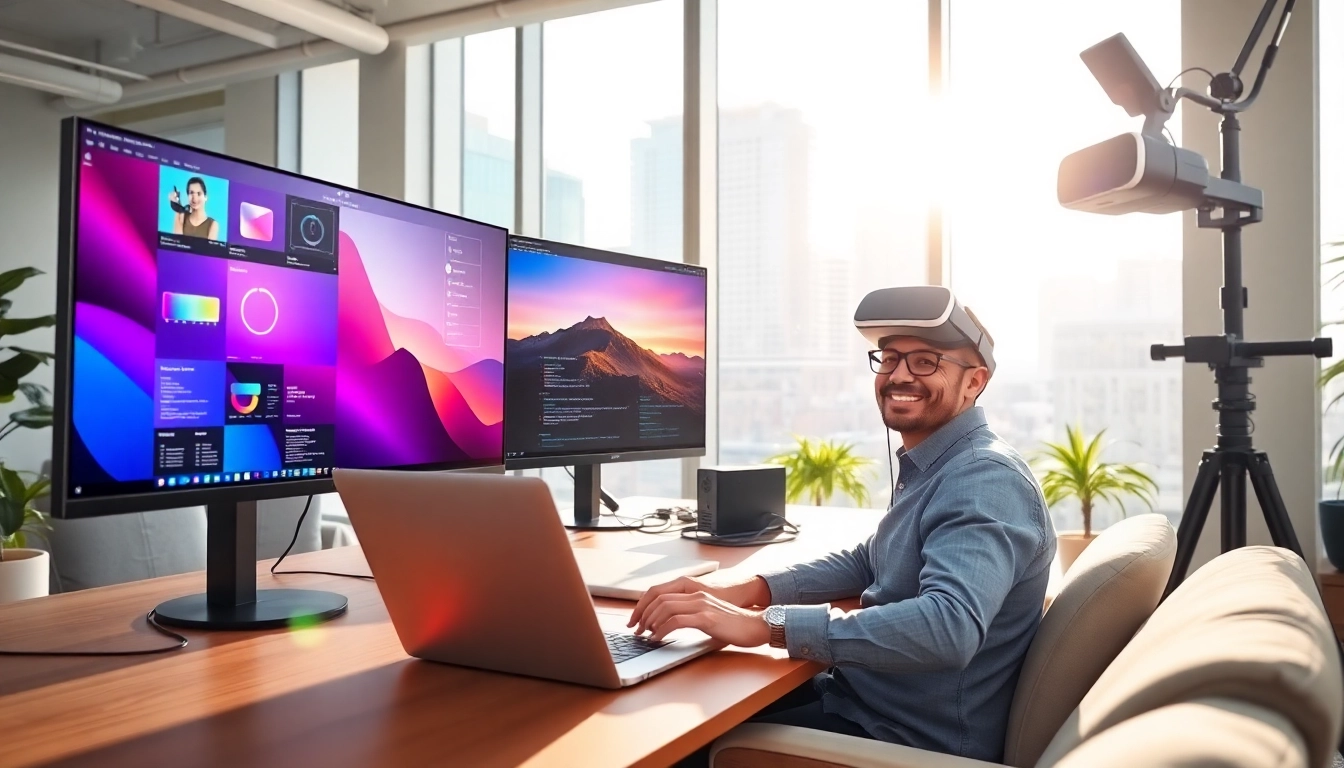
Introduction to Virtual Desktop
As technology continues to advance, the way we work and interact with our digital environments evolves too. One of the most transformative innovations in this space is the virtual desktop concept. Offering a variety of functionalities and benefits, it serves as a bridge between traditional computing and the dynamic needs of modern workflows. This article delves into the intricacies of virtual desktops, examining their benefits, setup, applications, security considerations, and future trends.
What is a Virtual Desktop?
A virtual desktop refers to a computing environment that operates within a shared infrastructure, resembling traditional desktop experiences but existing independently from physical hardware. Utilizing virtualization technology, users can access their desktop environments, applications, and files from virtually any device connected to the internet. Essentially, a virtual desktop simulates the experience of having a physical desktop computer, but the processing occurs in a centralized server, freeing users from hardware limitations.
Benefits of Using Virtual Desktop
The adoption of virtual desktop technology offers numerous advantages. Here are some key benefits:
- Accessibility: Virtual desktops provide access from any device with internet connectivity, allowing users to work from anywhere.
- Cost-Effectiveness: Organizations can save on hardware costs and maintenance by utilizing virtual desktops that run on cheaper, less powerful devices.
- Scalability: Virtual desktops can be easily scaled according to business needs, enabling organizations to add or reduce resources in response to changes in demand.
- Security: Sensitive data remains on secure servers, minimizing the risk of breaches that typically come with physical devices.
- Centralized Management: IT teams can manage users and applications from a central location, improving operational efficiency.
Differences Between Traditional and Virtual Desktops
The primary distinction between traditional and virtual desktops lies in their architecture. Traditional desktops are tied to specific hardware and require local storage for applications and files. In contrast, virtual desktops are hosted on remote servers, enabling users to access their systems from multiple devices without concern for hardware limitations. This also means that virtual desktops allow for automatic updates and centralized data management, simplifying operational tasks for IT departments.
Setting Up Your Virtual Desktop
Necessary Hardware and Software
To set up a virtual desktop, some basic hardware and software requirements must be met:
- Client Device: Users can connect through various devices like laptops, tablets, or thin clients.
- Network Infrastructure: A robust internet connection is essential to handle data transmission and ensure a smooth user experience.
- Virtualization Software: Solutions like Hyper-V, VMWare, or Citrix are commonly used to host virtual desktops. Additionally, a robust operating system must be implemented on the virtual machine.
- Security Solutions: Employing firewalls, VPNs, and antivirus software will safeguard data and applications accessed through virtual desktops.
Step-by-Step Installation Guide
Setting up a virtual desktop can be achieved in several steps:
- Install the necessary virtualization software on your server.
- Create a virtual machine (VM) that simulates a traditional desktop environment.
- Install an operating system on the VM.
- Configure networking settings to ensure proper connectivity and security.
- Deploy application software within the VM to be used by end-users.
- Set up user accounts and define permission levels for different users.
- Regularly maintain and update the system to ensure optimal performance.
Configuration Tips for Optimal Performance
Maximizing the performance of your virtual desktop environment is crucial for user satisfaction. Here are some configuration tips:
- Resource Allocation: Ensure VMs are configured with sufficient CPU, memory, and storage resources.
- Load Balancing: Distribute user connections evenly to prevent server overload.
- Optimize Network Settings: Fine-tune bandwidth settings, particularly if users access the desktop remotely, to minimize latency.
- Monitor Performance: Utilize performance monitoring tools to identify bottlenecks and areas for improvement regularly.
Virtual Desktop Applications
Using Virtual Desktops for Gaming
Virtual desktops have significantly evolved beyond traditional office scenarios. In gaming, they provide unique advantages, such as:
- Enhanced Experiences: Gamers can run high-end games on low-spec machines by streaming from powerful servers.
- Cross-Platform Access: Players can transition seamlessly between devices, enhancing their flexible gaming habits.
- Community Connectivity: Virtual desktops can support multiplayer setups or social interactions within gaming communities, regardless of location.
Virtual Desktop in Business Environments
In the business realm, virtual desktops enhance productivity and collaboration by:
- Remote Work Facilitation: Employees can access corporate systems securely from any location, promoting a more flexible work culture.
- Consistent User Experience: Regardless of the device used, users can access the same applications and data, maintaining continuity in workflows.
- Disaster Recovery: Implementing virtual desktops allows for superior business continuity planning, as data is centralized and can be quickly restored in case of hardware failures.
Crossover Applications in Entertainment
The entertainment industry also benefits from virtual desktops, enabling access to media, creative tools, and software applications:
- Media Production: Virtual desktops can facilitate collaborative projects among remote teams within film and music production, centralizing resources and tools.
- Content Streaming: Users can stream high-quality content from virtual desktops, enhancing experiences for consumers and creators alike.
- Software Development: Developers can utilize virtual desktops to test and deploy applications in diverse environments without the need for complex hardware setups.
Security Considerations for Virtual Desktop
Protecting Your Data on a Virtual Desktop
Data protection is paramount when utilizing virtual desktops. Here are strategies to mitigate risks:
- User Authentication: Implement multi-factor authentication to ensure only authorized users access sensitive data.
- Data Encryption: Utilize encryption protocols for data in transit and at rest, safeguarding information from unauthorized access.
- Regular Audits: Regularly audit user activity and access logs to detect anomalous behavior and quickly address any potential security incidents.
The Role of Encryption in Virtual Desktops
Encryption is crucial in protecting data in virtual desktop environments. It ensures that only intended parties can decipher the information and use it effectively. Implementing strict encryption protocols helps in:
- Maintaining Confidentiality: Even if data is intercepted, strong encryption makes it nearly impossible for unauthorized actors to access it.
- Compliance: Many industries require data encryption for compliance with regulations such as HIPAA and GDPR, making it essential for organizations.
Best Practices for Safe Usage
To ensure a secure virtual desktop environment, organizations and users should adopt the following best practices:
- Education and Training: Regularly educate users on security best practices, including recognizing phishing attempts and securing personal devices.
- Regular Updates and Patches: Ensure that all software and operating systems are kept up to date to protect against vulnerabilities.
- Backup Systems: Regularly backup data to prevent loss and ensure business continuity in case of disasters.
Future Trends for Virtual Desktop Technology
Emerging Technologies in Virtual Desktop
As the landscape of IT continues to evolve, several emerging technologies are poised to enhance virtual desktop experiences. These include:
- Artificial Intelligence: AI can optimize resource allocation, streamline user experiences, and enhance security protocols.
- Cloud Computing: The ongoing shift to cloud-based solutions will further refine the efficiency and accessibility of virtual desktops.
- Augmented and Virtual Reality: Integrating AR and VR into virtual desktop environments may provide immersive experiences for training, education, and entertainment.
Predicted Developments in User Interfaces
The evolution of user interfaces in virtual desktops is expected to emphasize accessibility and flexibility. Key developments may include:
- Natural User Interfaces: Systems that utilize voice commands and gestures will create more intuitive user experiences.
- Seamless Integration: Enhancements in multi-window environments and workspace customization will lead to further efficiency in task management.
- Improved Performance Metrics: AI-driven analytics will provide better insights into user engagement and desktop performance, enabling continuous optimization.
Impact of Virtual Desktops on Remote Work
The proliferation of remote work has cemented the role of virtual desktops in facilitating efficient workflows. By allowing seamless transitions between home and office environments, virtual desktops contribute considerably to employee morale and productivity. The anticipated future trajectory suggests:
- Increased Flexibility: Organizations will increasingly adopt virtual desktops to meet personnel changes and remote working trends.
- Enhanced Collaboration Tools: The integration of collaborative tools within virtual desktops will empower teams to communicate effectively, regardless of location.
- Focus on Employee Well-being: Virtual desktops will support a balanced working environment, allowing employees to work in settings that best suit their needs.